Web design, SEO & managed technology
647-390-1000•Mississauga, Ontario
Web design agency in Oakville

Web Design Oakville Businesses Can Build On

Custom websites for Oakville businesses—planned for local search, built for speed and designed to turn more visitors into qualified enquiries.

20+ years of industry experience500+ businesses supported
Website strategy team supporting a Oakville business
Search-readyStructure & content
Conversion-ledClear paths to action
Trusted acrossProfessional ServicesHealthcareEducationE-commerceHome Services
What we do

Connected services for measurable growth

Use one specialist service or combine strategy, creative and technology through one accountable team.

Enterprise Web Cloud digital strategy team
4.8/5Client-focused service
Digital partner for Oakville

Clear strategy. Thoughtful execution. Support after launch.

Oakville businesses compete for attention across Halton Region. We create a locally relevant digital foundation that explains what makes your company different, supports location-based search visibility and makes it simple for customers to take the next step.

Responsive by defaultSEO planned from day oneClear project communicationReliable post-launch support
Meet Enterprise Web Cloud
A practical process

From business goal to working digital platform

01

Discover

We clarify your goals, customers, competitors and the actions the website must support.

02

Plan

We map the pages, search themes, content requirements and user journey before design begins.

03

Design & build

We create a responsive experience, develop the approved direction and connect required tools.

04

Launch & improve

We test, optimize and launch—then support performance, security and ongoing growth.
Client perspective

Long-term relationships built on useful work

“Great support and good prices for websites. They handle technical work and customize websites as needed. I have had three websites made and referred friends who also received great work.”

Long-term website client

“Enterprise Web Cloud helped us achieve our goals and targets. We continue to use the team and recommend them for web and technical needs.”

Umar Jawed, Marketing Specialist

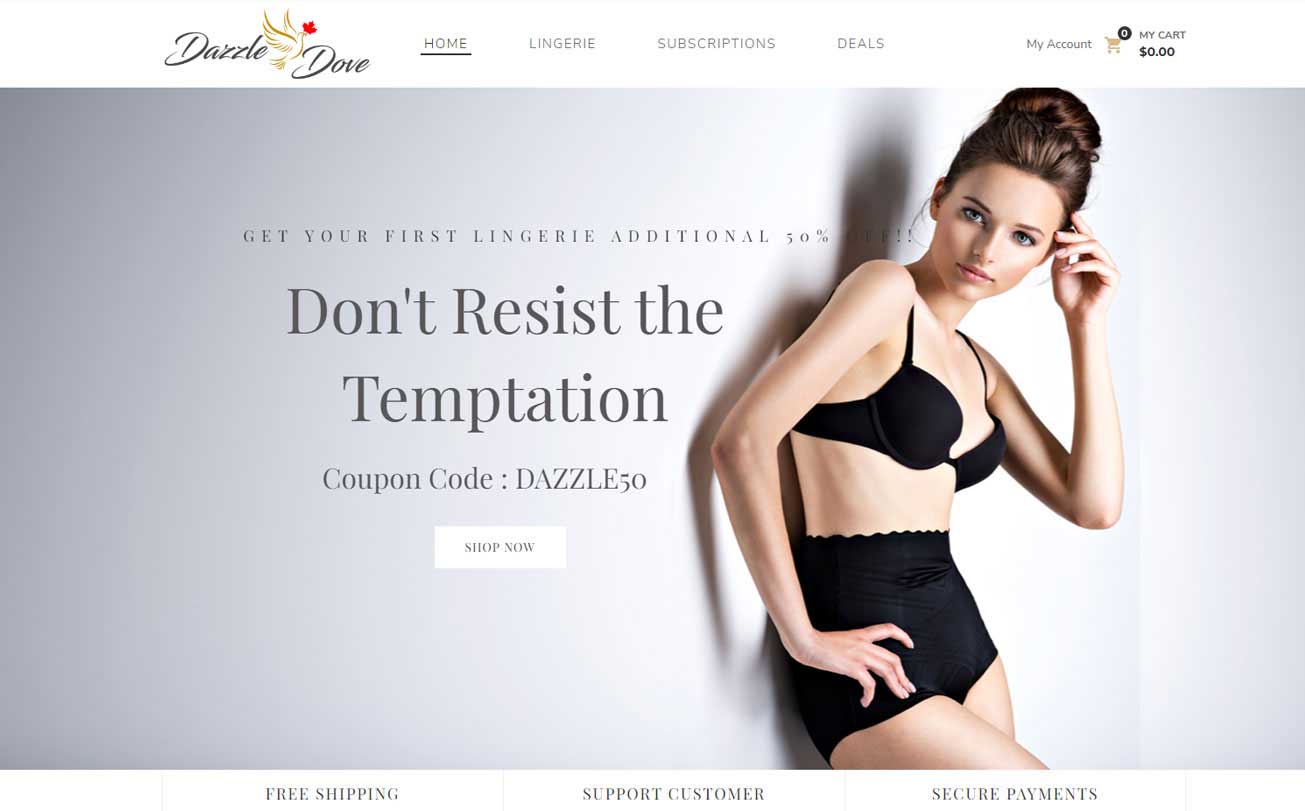
“The team delivered a polished e-commerce website on a demanding timeline and helped us prepare for launch.”

Dazzle Dove
Frequently asked questions

Straight answers before your project starts

Every proposal is based on your goals, scope and existing digital assets.

How much does a business website cost?

Website cost depends on the number of page types, content needs, integrations and custom functions. We define the scope first, then provide a clear proposal so you can compare value rather than vague hourly estimates.

How long does a new website take?

A focused business website commonly takes several weeks. Larger e-commerce or custom projects take longer. The schedule is confirmed after discovery and depends partly on how quickly content and approvals are provided.

Can you help my business rank in Oakville?

Yes. We can combine technical SEO, locally relevant service content, on-page optimization and Google Business Profile work. Rankings cannot be guaranteed, but the work is structured around measurable visibility and qualified traffic.

Will I be able to update the website?

Yes. We choose an appropriate platform and provide a manageable editing experience. We can also handle updates, security and hosting if you prefer ongoing support.

Can you redesign an existing website?

Yes. We first identify what should be preserved, what is limiting performance and which pages already earn traffic. The redesign plan protects useful content while improving structure, speed and conversion paths.

Let’s discuss your next move

Ready for a website that earns its place in your business?

Tell us what you want to improve. We’ll review your current position and recommend a practical next step.

Explore the details

Website strategy, development and support for your business

Our Web Design Services in Oakville

We, at Enterprise Web Cloud, are a web design company, delivering high-quality web solutions with fabulous features that increase sales and brand visibility.

Creative Website Design

We have an experienced website designing team that loves to work as per the client’s expectations. Creativity makes our web design services Oakville unique. Engaging pictures with amazing functionality are our potential.

Responsive Web Design

The number of people operating mobiles has increased in the last few years. Our expert web designers are well-versed in creating website designs equipped with advanced web technologies that are easily brows-able on mobile as well as web solutions.

SEO Friendly Web Design

Do you want a top-ranked website to increase your working area and targeted audience? Yeah! SEO plays an important role to rank your website on Google. Our Oakville web design team has been trained to create an SEO-friendly website design.

Customized Web Design Services

Our experienced team of designers ensures it to design the website as per our client’s requirement and the need of a specific business. Every business has its own needs and one must take care of the requirements.

Choose a Package That Fits Your Budget Design a Website That Stands Out with Web Design Services in Oakville

Our website design team has more than 12 years of experience. Our web design services Oakville helps in not only building web images but also help in conversions that work as a lead generator. We understand how to meet the requirements of our customers and how the innovative strategies can help specific business objectives. The size of the business matters a lot. We bestow services for small, medium, and established businesses. Before starting a specific work, our designers figure out the best look for your website business. In the end, all it requires is to have a beautiful website with a customer-centric layout.

Turn the business goal into a clear website brief

Start by naming the action a useful visitor should complete. A service company might need an accurate quotation request, while a training provider needs people to find the correct course and understand its prerequisites. These are different journeys even if both organizations ask for a modern website. Write down the audience, the questions that delay their decision and the information the team needs to respond. This short brief is more useful than choosing a visual style before the problem is understood.

Build the sitemap around those decisions. Separate services when they have different buyers, deliverables or buying questions. Keep closely related information together when splitting it would force readers to jump between thin pages. Agree who supplies photography, approves copy and owns each integration. A project schedule should include these dependencies, because a finished layout cannot compensate for missing product information or an unanswered policy question.

A practical acceptance checklist makes the brief testable. Ask whether a first-time mobile visitor can identify the service, confirm that it is relevant, find supporting evidence and complete the next step. Check the enquiry from submission through to the person responsible for replying. Record anything that requires training or ongoing maintenance before approving launch.

Connect page content to a working enquiry journey

The most useful call to action depends on how ready the reader is. Someone comparing service options may need a scope guide before requesting a proposal. Someone arriving from an urgent search needs the telephone number, availability information and a short enquiry form immediately. Give the page a clear primary action while keeping helpful alternatives visible. Repeating a button cannot replace explaining the offer, its limitations and what happens after contact.

Ask only for information that helps the first response. Name, email, service and a concise project description are often sufficient; additional requirements should have a clear purpose. Labels must stay visible after typing, validation should explain the problem and failed submissions should preserve the visitor's work. A form should report success only after the receiving service accepts the request. Opening a messaging application is a different action and should be labelled accordingly.

Test the complete delivery path using a clearly identified test enquiry. Confirm the destination inbox, reply-to address, spam handling and responsibility for follow-up. Then define a successful lead with the sales team. Counting every button click as a lead overstates performance and hides delivery failures. Review rejected and duplicate enquiries separately from qualified opportunities, and use that feedback to refine the questions and page copy.

Choose WordPress features with an ownership plan

WordPress can support many types of websites, but the quality of the result depends on its configuration and maintenance. Start with the content editors' tasks: publishing an article, updating a service, changing an image and reviewing an enquiry. Decide which capabilities belong in the theme, which belong in a plugin and which need a separate integration. Business-critical content should not disappear when a visual theme is changed.

Keep the extension list purposeful. Evaluate support history, compatibility, permissions and the need for an ongoing licence. Avoid adding several plugins that attempt to control the same caching or security function without a clear reason. Use a staging copy for significant changes and keep a recoverable backup before updating the production site.

Handover should cover administrator ownership, publishing roles, renewal responsibilities and a simple update process. Demonstrate common editing tasks using the actual site. Check what happens when an editor uploads a large image or enters a long heading. A manageable website requires both suitable software and sensible guardrails. Review the site periodically for unused accounts, outdated components and broken integrations instead of waiting for a visible failure.

Make the experience usable beyond one screen

A responsive layout is only the starting point. People also browse with enlarged text, a keyboard, a screen reader, reduced motion preferences and slower connections. Begin with semantic headings and real buttons or links for interactive controls. Every form field needs a persistent label. An error message should identify the problem and explain how to fix it without relying only on a red border or a temporary notification.

Review contrast, focus visibility and reading order on the actual finished pages. Test long service names, large prices and realistic product titles rather than short placeholder text. At increased zoom, content should remain readable without controls overlapping. Images that communicate information need useful alternative text; purely decorative images should not introduce extra announcements. Movement should support a task, and essential information should not depend on watching an animation.

Automated checks can identify some missing labels and contrast problems, but they cannot decide whether a booking process makes sense. Try the main journey with a keyboard and check it on a small phone. Document issues by their effect on the visitor: an inaccessible submit button is a higher priority than a minor spacing inconsistency. Include these checks in future content updates so that accessibility does not gradually disappear after launch.